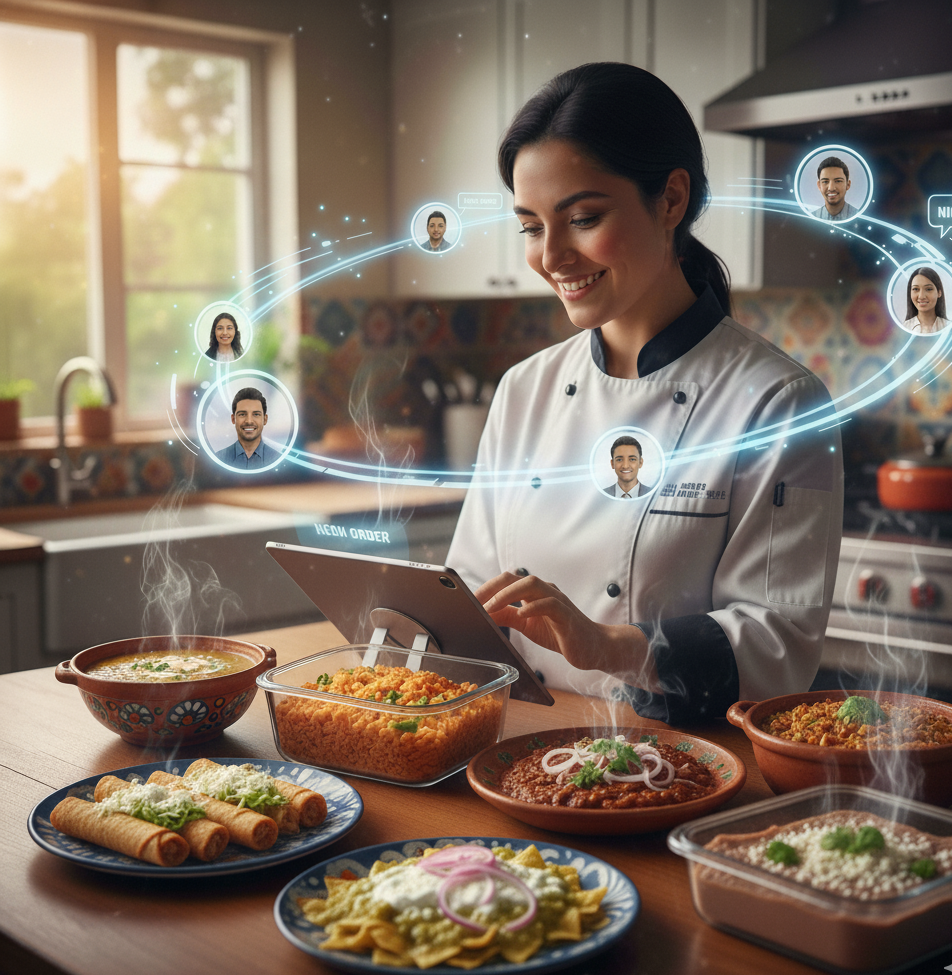


Digitalizing your kitchen is the most effective way to reach local customers looking for home-cooked food. Platforms like Homlunch allow independent cooks to post menus, manage orders, and earn income reliably and professionally.
In this guide, you’ll discover practical steps to register your kitchen, tips to optimize your profile, how to stand out among other cooks, and strategies to turn your culinary passion into a profitable business, without unnecessary complications.
Step-by-Step Guide to Register Your Kitchen on Homlunch
Create your cook profile
-
Fill in basic information: name, location, type of cuisine.
-
Add a warm, professional profile picture to build trust.
Upload appealing photos of your dishes
-
Use clear images with good lighting.
-
Showcase textures, colors, and final presentation of each dish.
Describe your menu clearly and attractively
-
Write titles and descriptions that excite the appetite.
-
Include portion sizes, main ingredients, and possible variations.
Set schedules and delivery options
-
Establish days and hours of availability.
-
Indicate whether you offer delivery or only local pickup.
Adjust prices and promotions
-
Set fair, competitive prices.
-
Offer combos, weekly menus, or initial promotions to attract customers.
How to Optimize Your Profile to Attract Customers
-
High-quality photos: Images are your first impression.
-
Attractive descriptions: Highlight taste, freshness, and tradition.
-
Adaptable menus: Include vegetarian, healthy, or family-friendly options.
-
Customer attention: Respond quickly to orders and messages to increase trust and positive reviews.
Strategies to Stand Out on the Platform
-
Launch initial promotions for your first customers.
-
Offer combos or recurring menus to build loyalty.
-
Encourage customers to leave reviews and ratings.
-
Participate in Homlunch events or challenges to increase visibility.
Frequently Asked Questions
1. Can I register multiple menus under one profile?
Yes, Homlunch allows you to post multiple menus adapted to different schedules or customer preferences.
2. How do I update my hours and availability on Homlunch?
You can edit hours, service days, and availability in real time from your profile, ensuring customers always see accurate information.
3. Can I change my prices or promotions after publishing?
Yes, prices and promotions can be updated at any time from your account dashboard.
4. What tools does Homlunch offer to manage orders and customers?
Homlunch provides order notifications, customer management, sales history, and direct communication tools with buyers.
Register and Start Selling
If you want to start generating income from your kitchen and reach local customers easily and safely, register on Homlunch today. Publish your menus, receive orders directly, and become part of the community of cooks transforming home-cooked food in Mexico.
Homlunch has helped hundreds of independent cooks digitalize their home-cooked food businesses, providing visibility, support, and tools to compete professionally in the local market. Registering your kitchen on a professional marketplace helps you organize your business, build customer loyalty, and increase revenue reliably.